
Talkative changelog
Release 1.128.0 · Voice AI improvements, new customer onboarding and many more!
Release 1.128.0 · May 01, 2025
New features
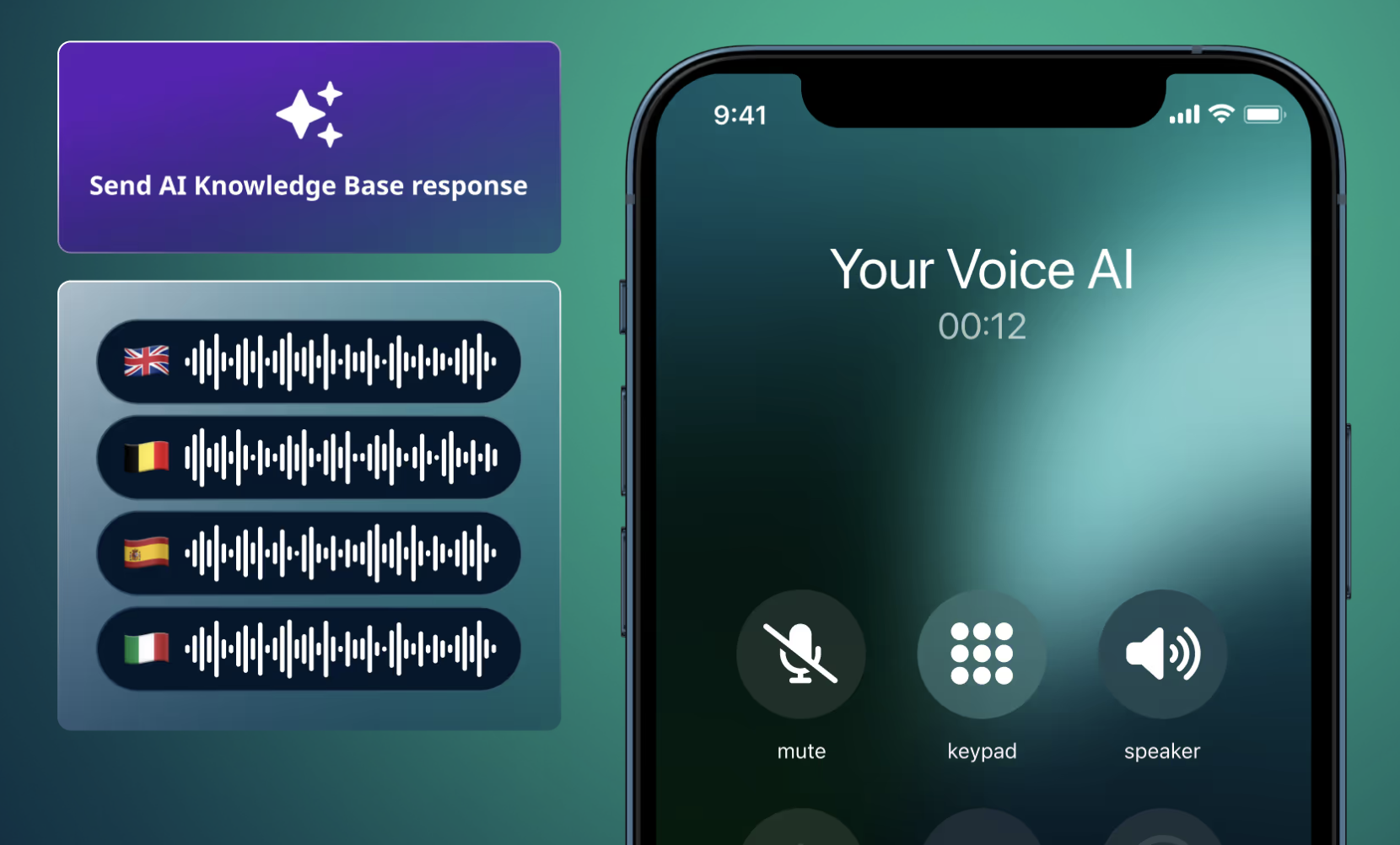
– Voice AI now uses your Knowledge Bases
Your Voice AI can now tap into the same Knowledge Bases used by your chatbots — meaning smarter responses and more consistent support across channels.
– Queue transfers for Voice AI
Voice AI can now transfer calls between different queues. Whether it's routing to sales, support, or a specialist, your call flows just got a lot more flexible.
– New customer onboarding
New to Talkative? You'll now be welcomed with a short onboarding flow highlighting key features, so it’s easier to get up and running.
→ Learn more about what to expect from the onboarding here.
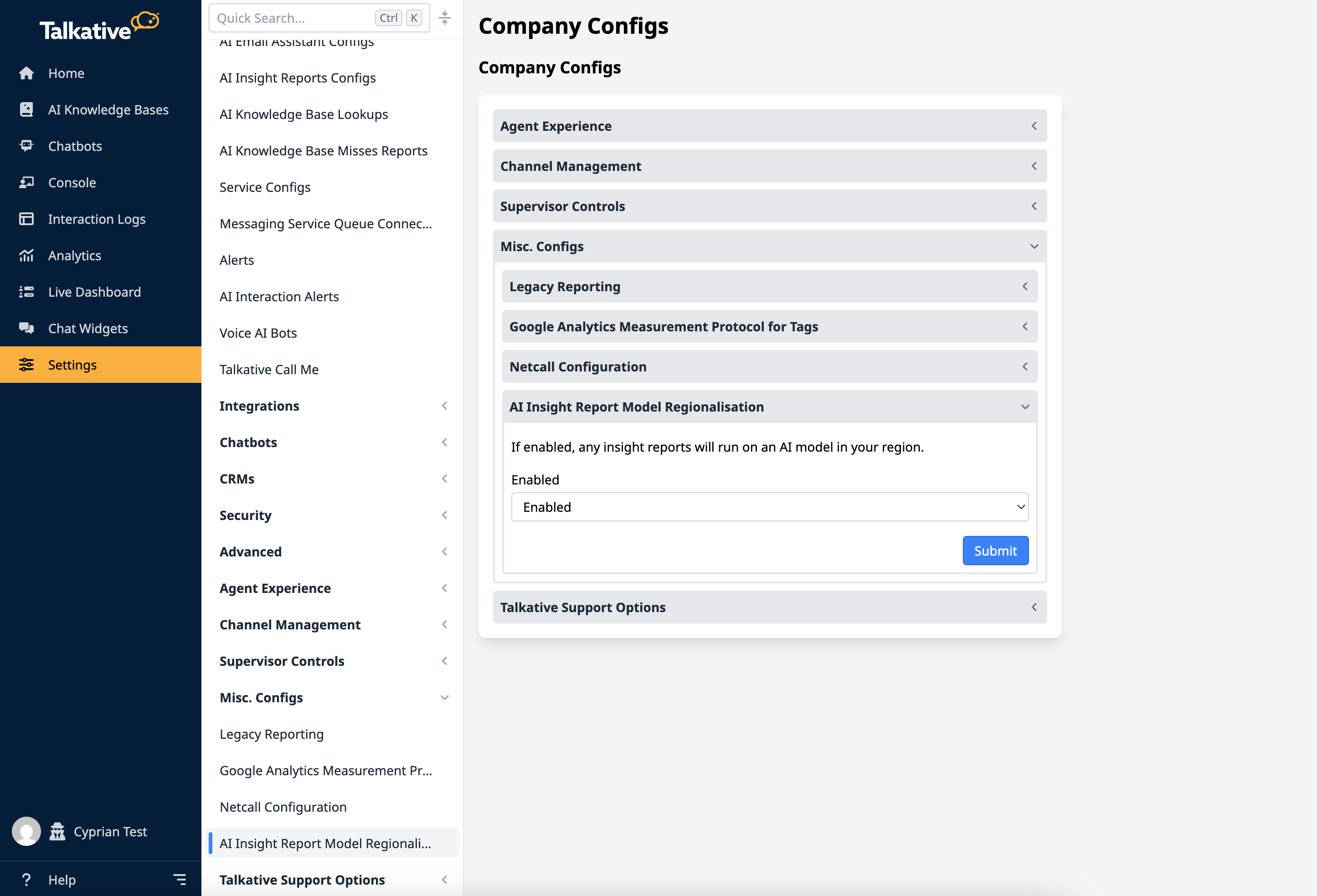
– Regional AI model support for Insight reports
Need to stay compliant with data processing requirements? You can now opt to use a regional AI model for your AI Insight reports.
→ Go to Settings and search for “AI Insight Report Model Regionalisation” to turn it on.
– Set transcript email at the chatbot level
You can now specify a transcript email address directly in the chatbot setup — no need to rely on logic nodes.
→ You’ll find this when creating a new bot, or under Edit metadata for existing ones.
Improvements
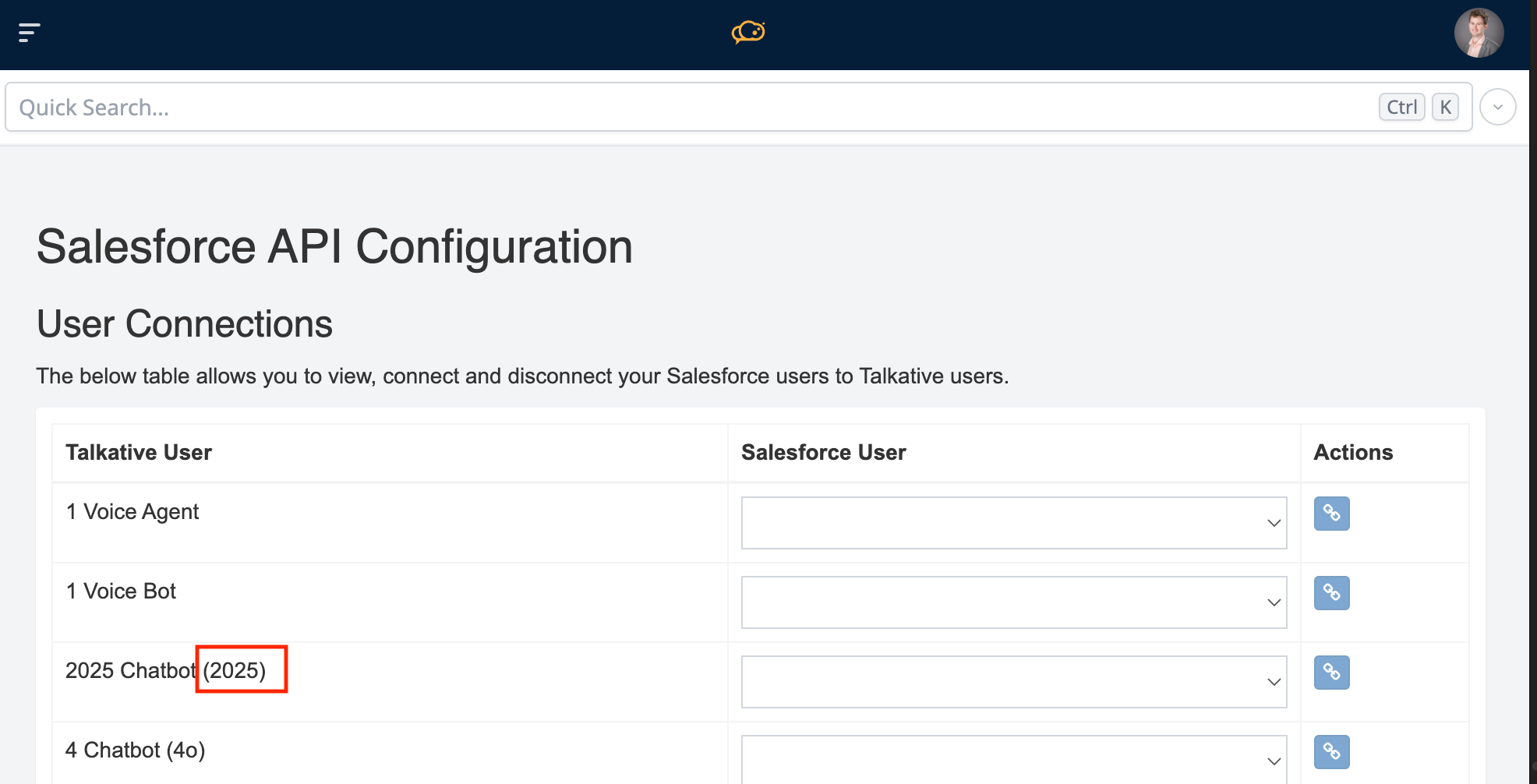
– Chatbot usernames now include queue name for Salesforce
You’ll now see the queue name appended to chatbot usernames for clarity.
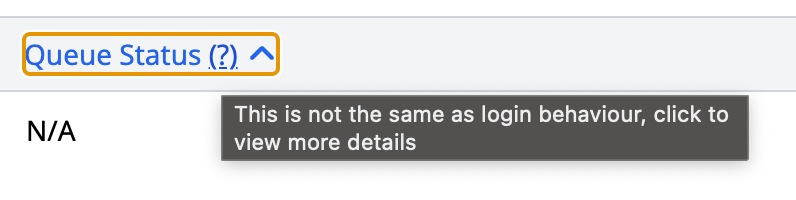
– Hover-over explainer for Queue status
We’ve added a tooltip in the Supervisor Dashboard that explains what Queue statuses mean.
→ Read the support article
– Better AI data capture
Previously, if a customer skipped the first data point (e.g. their name), none of the others (like phone number or followup request) would be captured. That’s been fixed — we now look for all defined data points independently.
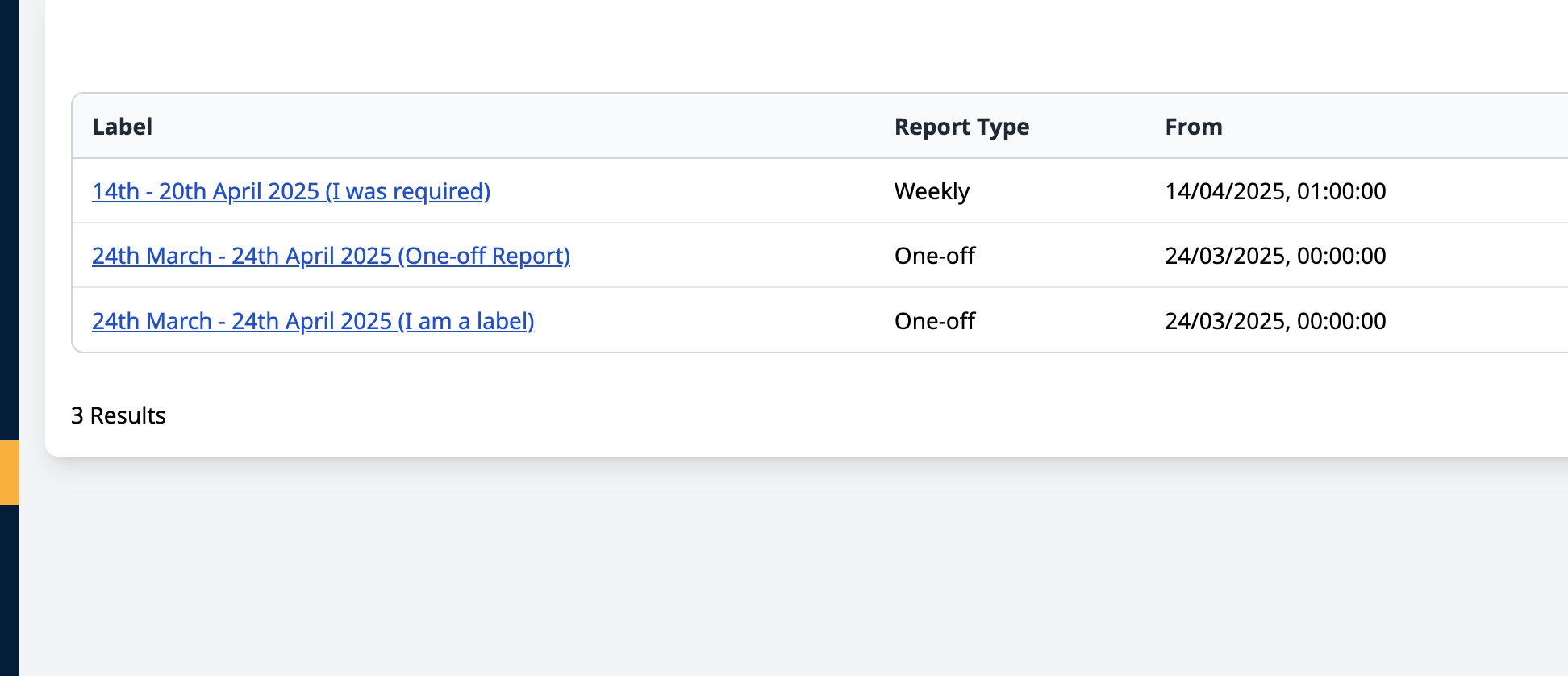
– Improved AI Insight report labels
Custom report labels now appear in your reports list, making it easier to identify saved insights at a glance. They are appended to the rest of the label in brackets.
– AI Conversations usage counter for Enterprise plans
Enterprise customers can now track AI conversation usage under Billing & Usage.
→ Learn how we count AI Conversations
– Whitelabel support for AI Assistant
If you’re a whitelabel partner, the AI Assistant now uses your brand — your customers won’t see “Talkative” mentioned.
– Chatbot deletion disabled
To prevent accidental data loss, chatbot deletion is now disabled.
→ If you need a chatbot removed, just contact Support or your Customer Success Manager.
– Voice AI config deletion disabled
We’ve also disabled Voice AI config deletion to avoid provisioning issues.
→ Reach out to Support if you need any removed.
Bug fixes
– Fixed an issue where Cobrowse dynamic imports were failing in certain environments